Use Strong’s standard export
In Strong on iPhone, open Settings and choose Export Strong Data. Keep the original English CSV unchanged.
A Strong alternative that keeps your workout log
Export Strong Data, review the supported CSV in Surpass, then continue training with your workout history available for lift progress and next-set targets.
Free to download. No account required. Workout history stays on your iPhone.
The transfer stays file-based and reviewable. Surpass does not need account access or a cloud connection to Strong.
In Strong on iPhone, open Settings and choose Export Strong Data. Keep the original English CSV unchanged.
Surpass checks the workout and exercise fields, then shows a summary before anything is added.
Supported dates, workout and exercise names, weights, reps, RPE, distance, duration, and notes remain available for your training history.
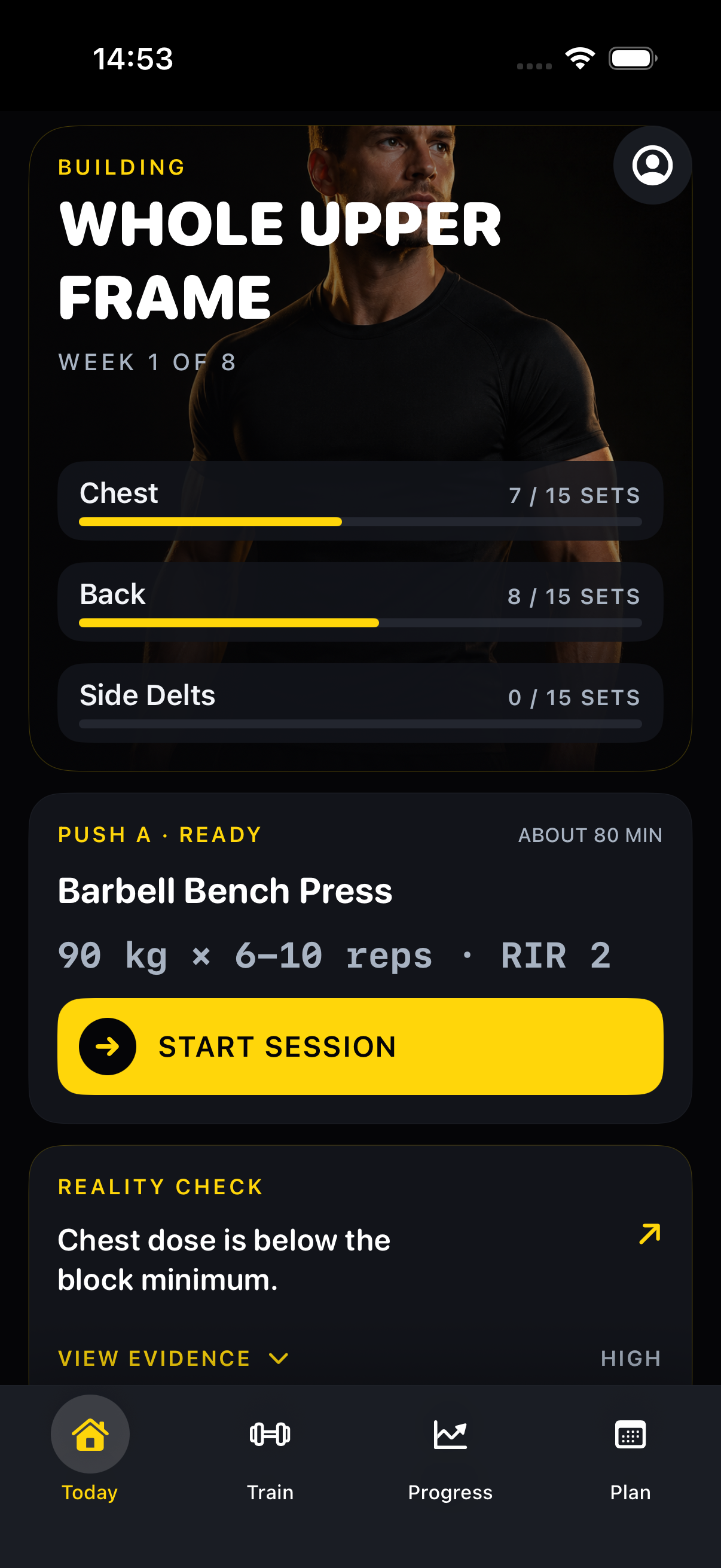
Keep the original file, inspect the summary, and confirm only when the workout counts and exercise matches look right.
Open Strong, go to Settings, choose Export Strong Data, and save the English CSV to Files.
Open Import Workout History, select Strong, and choose the untouched CSV from Files.
Review the date range, workout count, and exercise matches. Surpass saves the import only after you confirm.
A useful migration preserves the details you rely on before your next working set.
Open Strong, go to Settings, and select Export Strong Data. Save the spreadsheet-friendly CSV to Files, then choose Strong on the Surpass import screen.
Surpass currently supports English Strong exports. Keep the original export unchanged so its headers and dates can be checked correctly.
Supported fields include workout dates and names, exercise names, set order, weight and units, reps, RPE, distance, duration, and notes when those fields are present.
No. Surpass imports the CSV file you select on your iPhone and does not request access to your Strong account.
Yes. Imported sessions and their derived history can be removed separately without deleting workouts you logged manually in Surpass.
Start free on iPhone, review your Strong CSV, and bring supported workout context into your next training block.
Free on the App StoreStart free on iPhone