Check the file before anything is saved
Surpass validates the CSV and shows a preview first. You choose whether to continue with the import.
Switch workout trackers without starting over
Surpass imports supported Hevy, Strong, and FitNotes workout CSVs on iPhone. Review the preview, confirm what is saved, then use that history for your next lift and weekly muscle targets.
Free to download. No account required. Workout history stays on your iPhone.
The import is file-based, reviewable, and separate from workouts you log manually in Surpass.
Surpass validates the CSV and shows a preview first. You choose whether to continue with the import.
Bring sessions, exercises, sets, notes, and history that Surpass can use for lift stats, PRs, and weekly volume.
The import uses a file you select on your iPhone. Surpass does not need access to your Hevy, Strong, or FitNotes account.
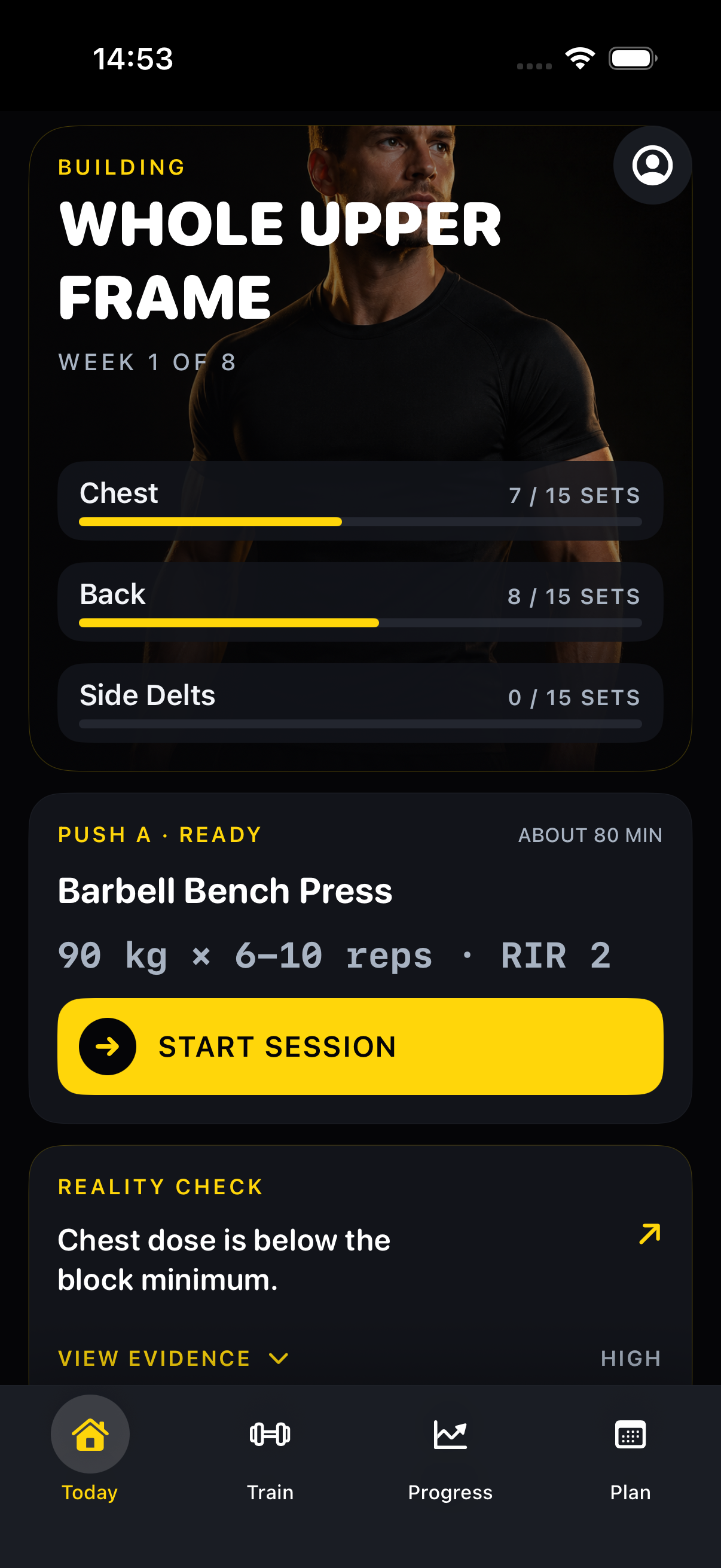
Nothing is added until you inspect the file summary and choose to import it.
Choose Hevy, Strong, or FitNotes in Surpass and follow the source-specific export instruction shown on screen.
Check the date range and workout counts, then review exercise matches. Unmatched exercises can remain custom.
Surpass adds the selected history only after confirmation. Imported data can be removed separately later.
Surpass turns supported CSV history into training context instead of an archive you have to search manually.
Yes. In Hevy, export the workout CSV from Settings, then select Hevy on the Surpass import screen. Surpass checks the file and shows a preview before saving anything.
Yes. Surpass accepts supported Strong exports in English and FitNotes training-history CSV exports. Source-specific instructions appear before you select the file.
No. The import uses a CSV file you select on your iPhone. Surpass does not request credentials for Hevy, Strong, or FitNotes.
You can review exercise matches before importing. Unmatched exercises can be imported as custom movements and mapped later.
Yes. Surpass can remove imported sessions, templates, strength points, weekly volume, and imported measurements while leaving manually logged workouts untouched.
Start free on iPhone, review your supported workout CSV, and decide what to bring into your next training block.
Free on the App StoreStart free on iPhone